
By the Miro3D team · Published
Why apartments scan each floor plan once
Apartment leasing does not need a Matterport of every door. Scan each unique unit type plus amenities, then show occupied homes from that library.
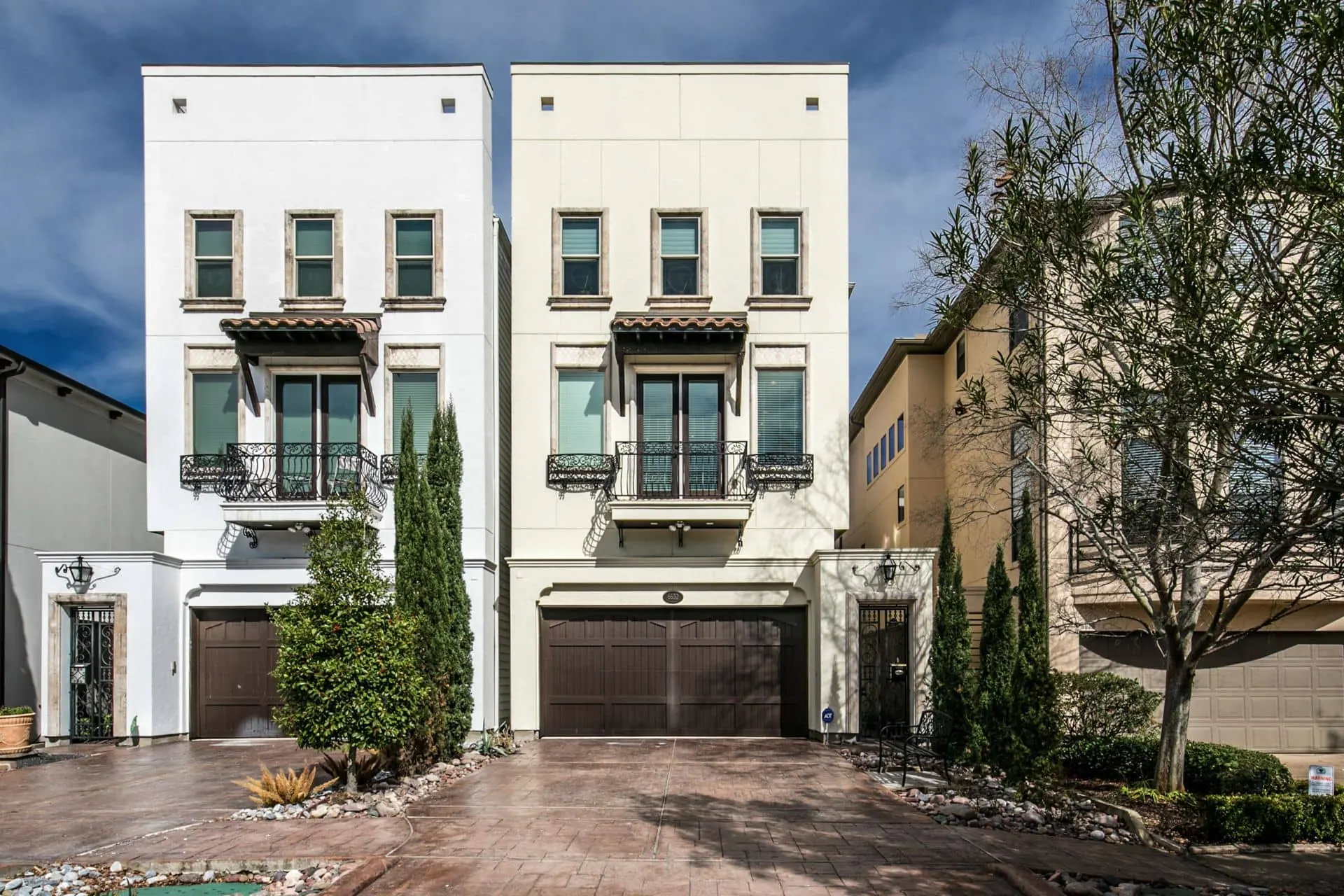
The expensive default
A 300-unit garden community does not have 300 unique homes. It has a handful of floor plans, a clubhouse, a gym, and a pool. Scanning every door is a week on site, a hosting bill you will feel, and residents who learn to dread “scan day.”
Leasing still needs 24/7 self-guided walkthroughs. Operations still needs a twin for turns. Ownership still wants one library. Those jobs are the same capture if you scan by SKU, not by unit number.
What “once” means
Scan each unique floor plan once — A1, A2, B1, the townhome, the loft. Add amenity spaces. Add a second A1 only when the finish, the view, or the renovation actually changed what a prospect will get.
Occupied units come off the showing list. The library is the showing. Turns and capex reuse the same files. Re-scan after a renovation so the type stays honest.
Where it publishes
Embeds go on the community site, the ILS (Apartments.com and peers, per their 3D rules), and the leasing-office kiosk. Conventional apartments are not an MLS product. Build-to-rent or condo sales use the residential listing package instead.
We deliver the Matterport link, stills, and a schematic when scoped. You publish. Matterport typically 24–48 hours after capture.
Hosting without a surprise
A living unit library is a 6+ month twin. If Miro3D hosts, that is $4 per Matterport Active Space per month after the included window (200 scan points = 1 space, typically ~10,000 sqft of interior). Transfer or self-host if you already have a Matterport plan. We put the choice on the quote.